
Optracy

For print-on-demand and DTG sellers

WebP to SVG converter for shirt prints

Saved a design from a website and got a WebP? Optracy turns it into vector files and a print PNG, the file POD platforms ask for.

Download SVG, PDF, EPS or a 300 dpi print PNG (4500 × 5400 by default).

Drop your design here

or paste it with Ctrl+V

PNG, JPG, WebP, GIF or BMP · up to 30 MB

Drop to upload

Free to process and edit. Downloads need a free account: 5 images a day, every format included.

  • No watermark
  • Deleted after 24 hours
  • Not generative AI

No image handy? Try one of ours:

You download

  • SVG
  • PDF
  • EPS
  • PNG 300 dpi
The same frog design redrawn in flat colors with clean edges The frog design saved as a WebP image
Show
Before
WebP · 896 × 1200 px
After
5 colors · 4500 × 5400 px · 15 × 18 in · 300 dpi

The loupe shows one edge at 6×: the pixels of the upload on the left, the vector file on the right.

The frog sample on automatic settings. Nothing was retouched.

What goes wrong with a WebP on a shirt.

WebP was made to load web pages fast. A shirt asks for the opposite: every pixel you can get.

  1. 4500 × 5400 px 15 × 18 in 896 × 1200 px WebP

    Sized for a screen

    A WebP saved from a web page is usually just big enough for that page, often well under the 4500 px a 15-inch print needs at 300 dpi. Optracy redraws the design, so the print size doesn't depend on the pixels you saved.

  2. Soft, blotchy edges of the frog's eye in the WebP at 6×The same edges redrawn sharp at 6×

    Blur from lossy compression

    Lossy WebP softens edges and fine lines the way JPG does. Optracy gives you clean edges in flat colors instead.

  3. Not a print upload format

    Printful's print file guide lists PNG and JPEG, and Amazon Merch asks for PNG, so a WebP has to be converted before you can upload it. Optracy gives you the print PNG, plus SVG, PDF and EPS.
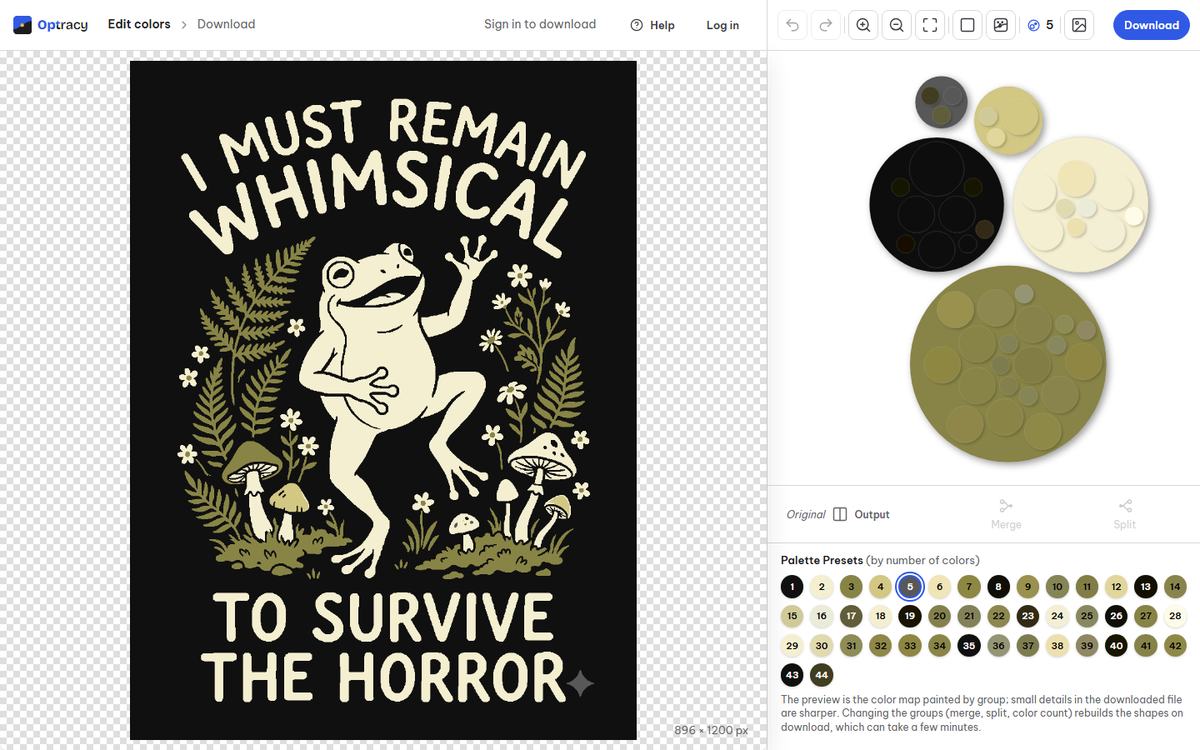
The Optracy editor with the frog design open and its color groups as bubbles

From a web image to a print file.

  • A PNG your POD store takes4500 × 5400 px at 300 dpi, with a transparent margin.
  • Transparency keptIf your WebP has a transparent background, it stays transparent.
  • Vector files for laterSVG, PDF and EPS for edits, other products and print shops.

Real results on sample designs.

Automatic settings, nothing retouched.
A cream frog dancing among olive ferns and mushrooms on black, with the words "I must remain whimsical to survive the horror" The frog design redrawn in flat colors with clean edges

The frog

JPEG · 896 × 1200 px 5 colors · 4500 × 5400 px

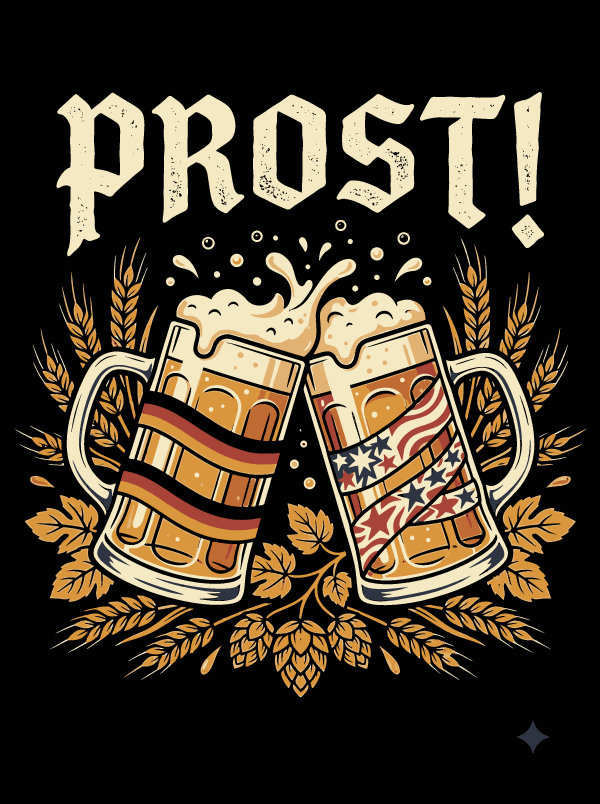
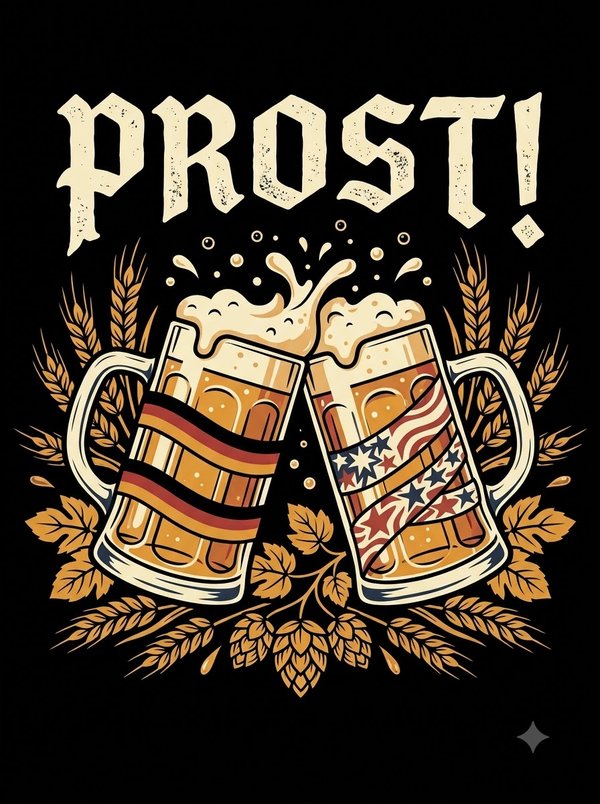
Two beer mugs clinking under the word "Prost!", one wrapped in black, red and gold stripes, one in stars and stripes, with wheat and hops on black The beer mug design redrawn in flat colors, foam and lettering with clean edges

The beer mugs

JPEG · 896 × 1200 px 7 colors · 4500 × 5400 px

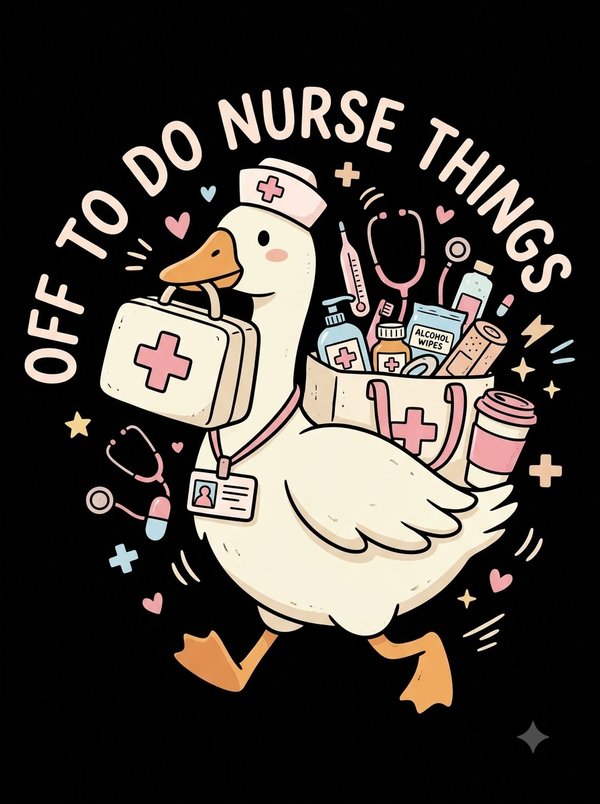
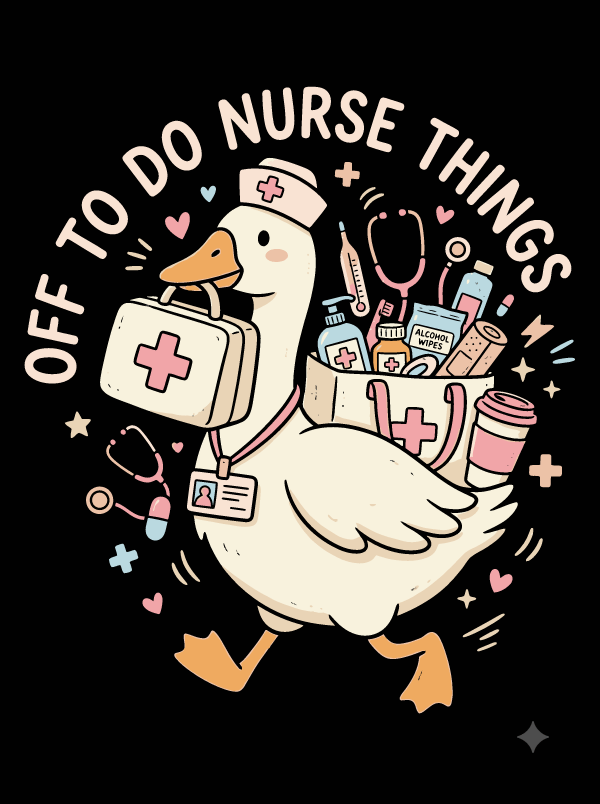
A goose in a nurse cap carrying a first aid kit and a bag of supplies, under the words "Off to do nurse things", in pastel pink, cream and blue on black The nurse goose design redrawn in flat pastel colors with clean outlines

The nurse goose

JPEG · 896 × 1200 px 9 colors · 4500 × 5400 px

Three steps from WebP to print file.

  1. Upload

    Drop, pick or paste an image. A picture over 3 megapixels gets a crop step first.

  2. Fix the colors

    Choose how many colors you want, then merge, split, recolor or hide any group.

  3. Download

    Pick a format and a print size. Sign in with a free account and the file is yours.

WebP questions, answered.

Still have a question?[email protected]We usually reply within one business day.
Can I upload an animated WebP?

Yes, but Optracy uses its first frame only. If the frame you want is another one, save it as a still image first.

Will the WebP's transparent background stay transparent?

Yes. WebP can carry transparency, and transparent parts stay transparent in every file you download.

Is a WebP from a website good enough to print?

For flat-color art, Optracy can redraw it sharp even when the file is small. Make sure you have the rights to print the design before you sell it: an image you can see online is not always one you can use.

I only need a PNG. Is that fine?

Yes. Pick PNG on the download page and choose a print size. The SVG of the same image stays free to download later, for as long as the image is kept (24 hours).

Sharp at shirt size.

Upload a design, fix the colors and download a print file at 4500 × 5400 px.