Optracy

For print-on-demand and DTG sellers

Image to vector converter for print files

PNG, JPG, WebP, GIF or BMP: Optracy redraws your design as vector shapes in flat colors you can edit, then gives you files sized for print.

Download SVG, PDF, EPS or a 300 dpi print PNG (4500 × 5400 by default).

Drop your design here

or paste it with Ctrl+V

PNG, JPG, WebP, GIF or BMP · up to 30 MB

Drop to upload

Free to process and edit. Downloads need a free account: 5 images a day, every format included.

  • No watermark
  • Deleted after 24 hours
  • Not generative AI

No image handy? Try one of ours:

You download
  • SVG
  • PDF
  • EPS
  • PNG 300 dpi
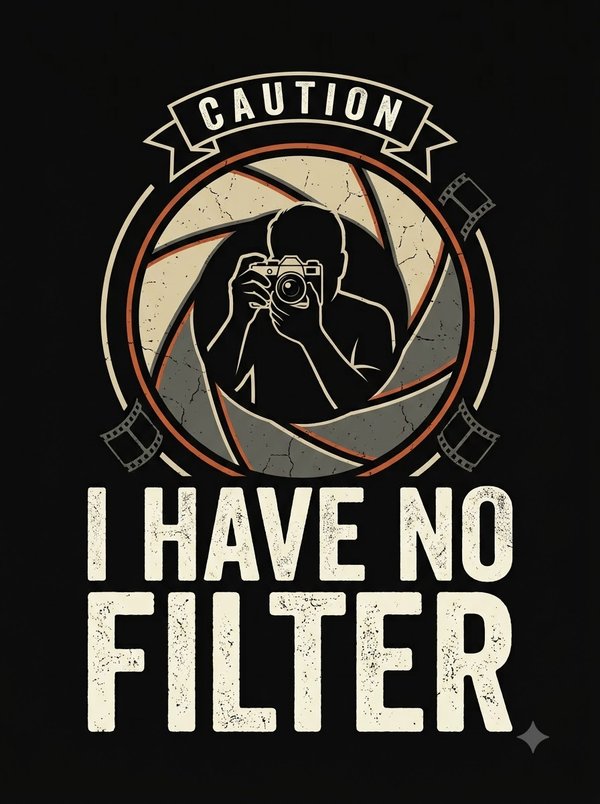
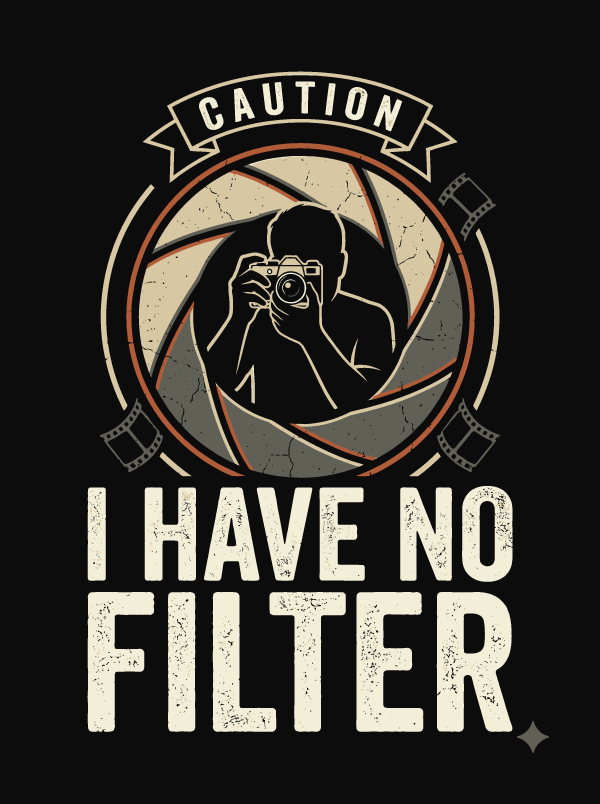
The same design redrawn as vector shapes in flat cream, orange and gray The "I have no filter" photographer design: a silhouette inside a camera shutter on black
Show
Before
JPEG · 896 × 1200 px
After
5 colors · 4500 × 5400 px · 15 × 18 in · 300 dpi

Move over the image to compare the edges at 6×.Tap the image to move the loupe and compare the edges at 6×.

The photographer sample on automatic settings. Nothing was retouched.

What goes wrong when a small image meets a big shirt.

Every raster format, PNG, JPG, WebP, GIF or BMP, is a fixed grid of pixels. Print it bigger than the grid allows and the grid shows.

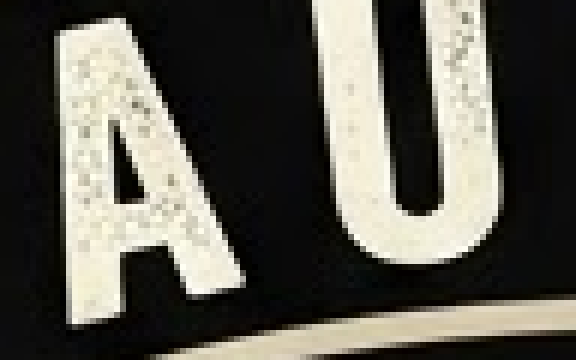
  1. Letters of the photographer design at 6×, made of soft square pixelsThe same letters redrawn with clean edges at 6×

    The pixels run out

    At 300 dpi, a 15 × 18 inch print needs 4500 × 5400 px. An image of 900 px across has a fifth of that width. Stretching it makes each pixel five times bigger. Redrawing it doesn't.

  2. Screen images are screen-sized

    Screenshots and images saved from the web are made for screens, at 72 to 96 pixels per inch, far too few for a crisp shirt.

  3. Photos don't become flat colors

    Optracy redraws images in flat colors. That is right for text, logos and illustrations, and wrong for photos and soft gradients, which come out banded. For those, print a high-resolution PNG instead.
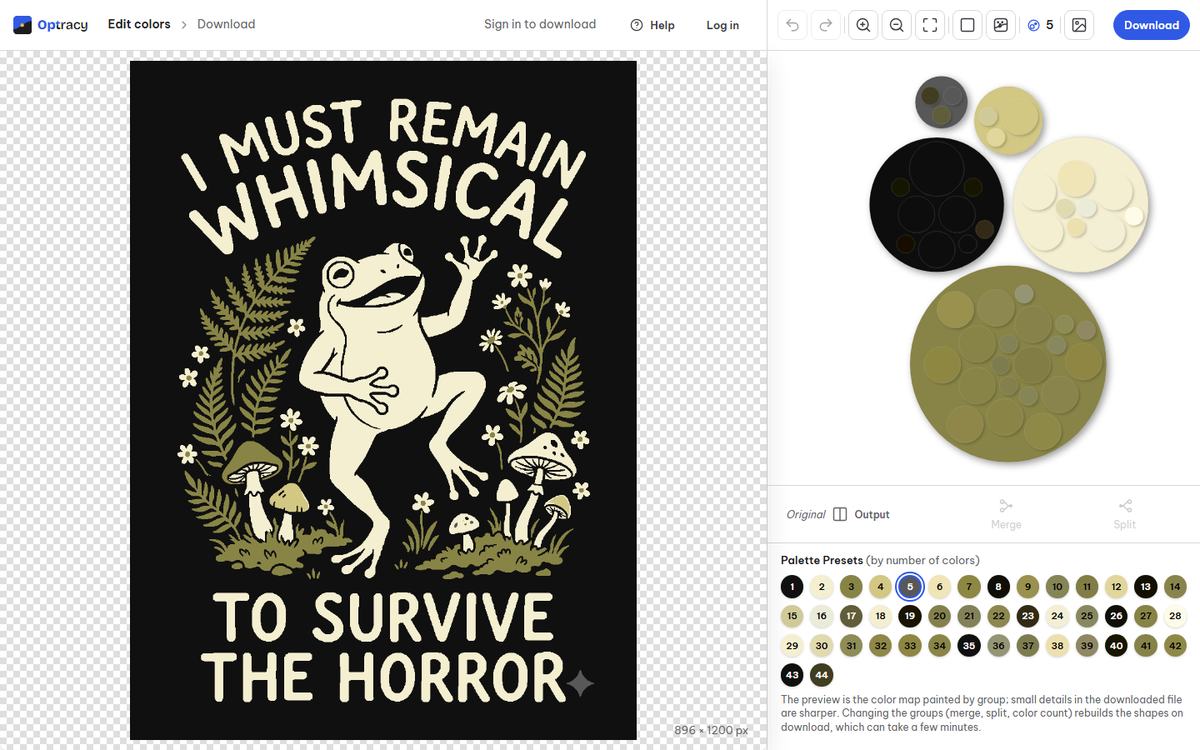
The Optracy editor with the frog design open and its color groups as bubbles

One upload, every file you need.

  • Vector files that scaleSVG, PDF and EPS, at any size up to 20,000 px a side.
  • Colors you controlThe automatic count, or any count you pick; merge, split, recolor or hide groups.
  • Print sizes ready4500 × 5400, 4000 × 4000 or 3000 × 3600 px at 300 dpi, or your own size and dpi.

Real results on sample designs.

Automatic settings, nothing retouched.
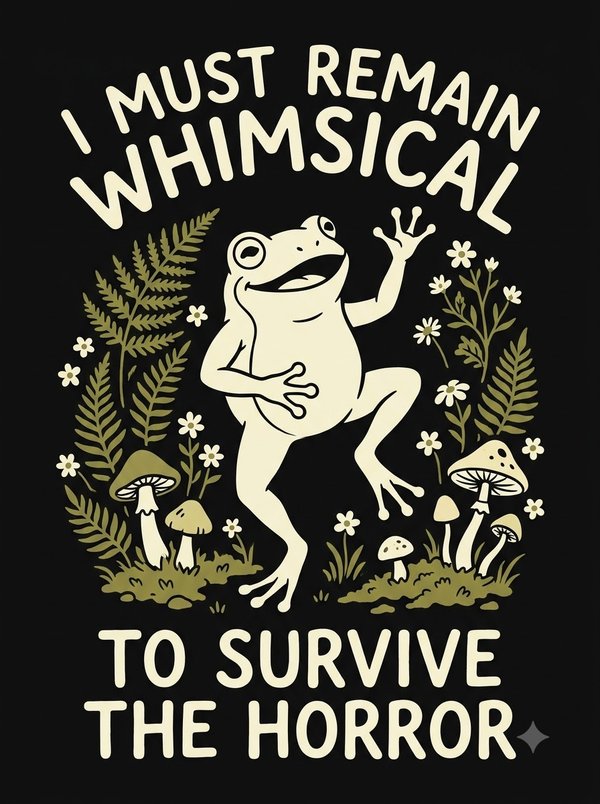
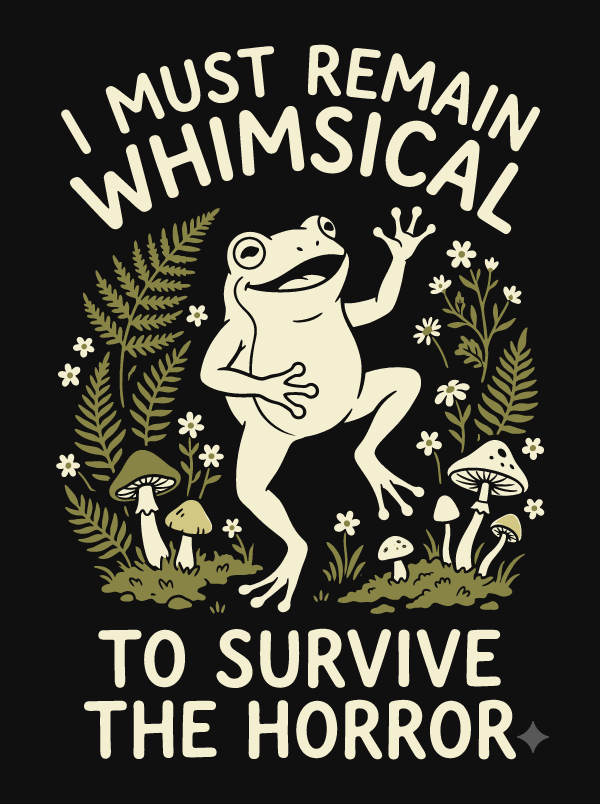
A cream frog dancing among olive ferns and mushrooms on black, with the words "I must remain whimsical to survive the horror" The frog design redrawn in flat colors with clean edges

The frog

JPEG · 896 × 1200 px 5 colors · 4500 × 5400 px

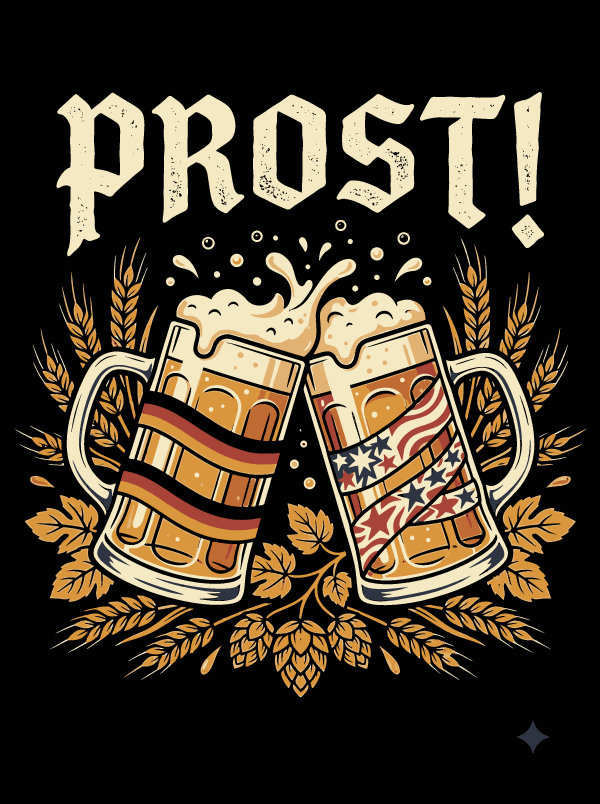
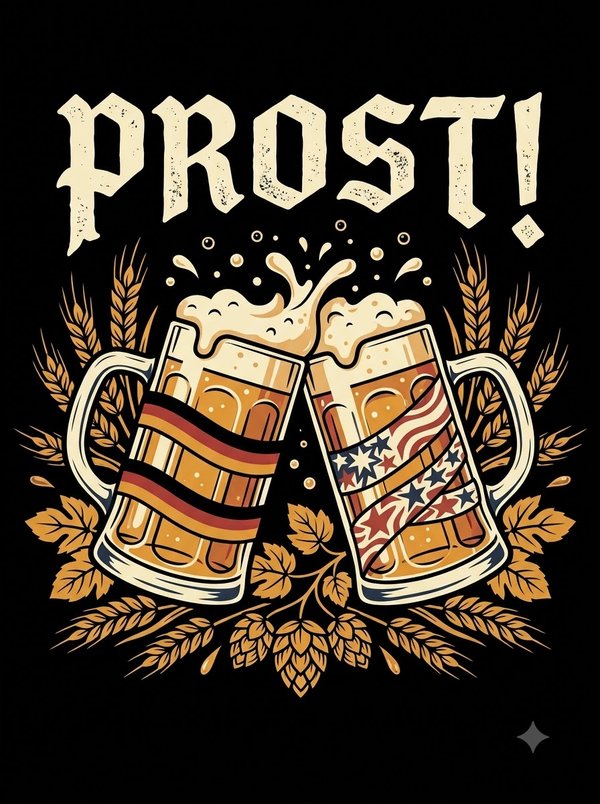
Two beer mugs clinking under the word "Prost!", one wrapped in black, red and gold stripes, one in stars and stripes, with wheat and hops on black The beer mug design redrawn in flat colors, foam and lettering with clean edges

The beer mugs

JPEG · 896 × 1200 px 7 colors · 4500 × 5400 px

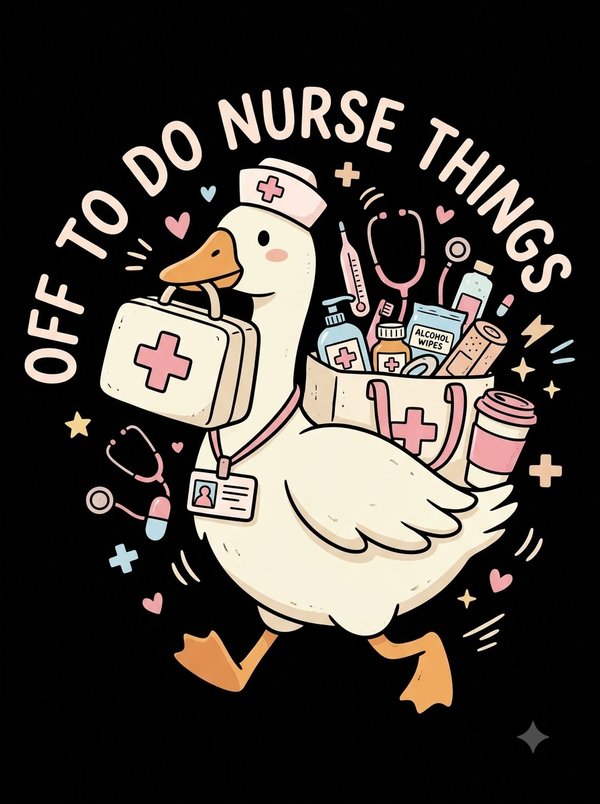
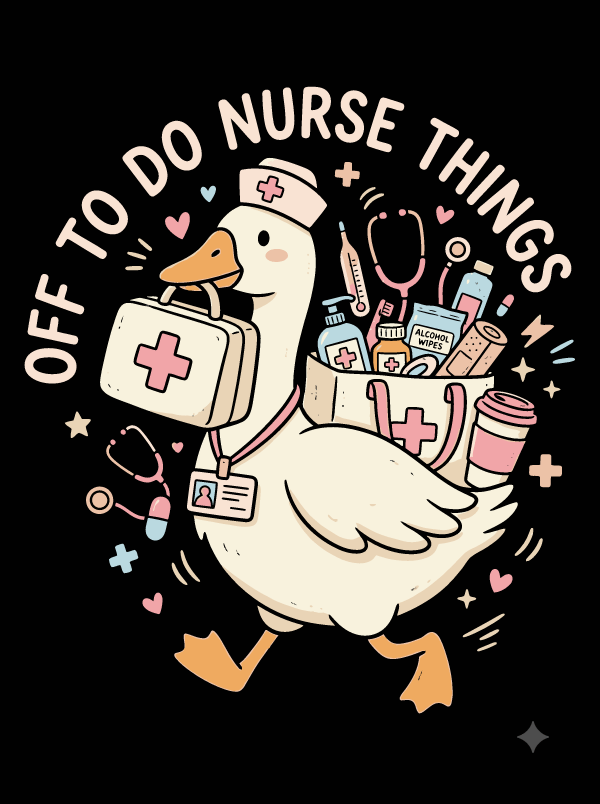
A goose in a nurse cap carrying a first aid kit and a bag of supplies, under the words "Off to do nurse things", in pastel pink, cream and blue on black The nurse goose design redrawn in flat pastel colors with clean outlines

The nurse goose

JPEG · 896 × 1200 px 9 colors · 4500 × 5400 px

Three steps from upload to print file.

  1. Upload

    Drop, pick or paste an image. A picture over 3 megapixels gets a crop step first.

  2. Fix the colors

    Choose how many colors you want, then merge, split, recolor or hide any group.

  3. Download

    Pick a format and a print size. Sign in with a free account and the file is yours.

Image to vector questions, answered.

Still have a question?[email protected]We usually reply within one business day.
Which image formats can I upload?

PNG, JPG (JPEG), WebP, GIF and BMP, up to 30 MB and 3 megapixels. Each side needs at least 16 px, and the long side can be at most 20 times the short one. An animated GIF or WebP uses its first frame.

Does it work on photos?

Not well. Photos and soft gradients turn into flat bands of color. Optracy is made for art with clear color areas: lettering, logos, illustrations and most shirt graphics.

How many colors can the result have?

You choose. The editor starts at an automatic count; the chips let you pick any count from 1 up to the number of colors it finds in your image. The SVG uses only the colors of the groups you keep.

Which file opens in Illustrator, Inkscape or Figma?

SVG opens in all three. Illustrator also opens the PDF and EPS. For print shops, send the PDF.

Sharp at shirt size.

Upload a design, fix the colors and download a print file at 4500 × 5400 px.