

For print-on-demand and DTG sellers
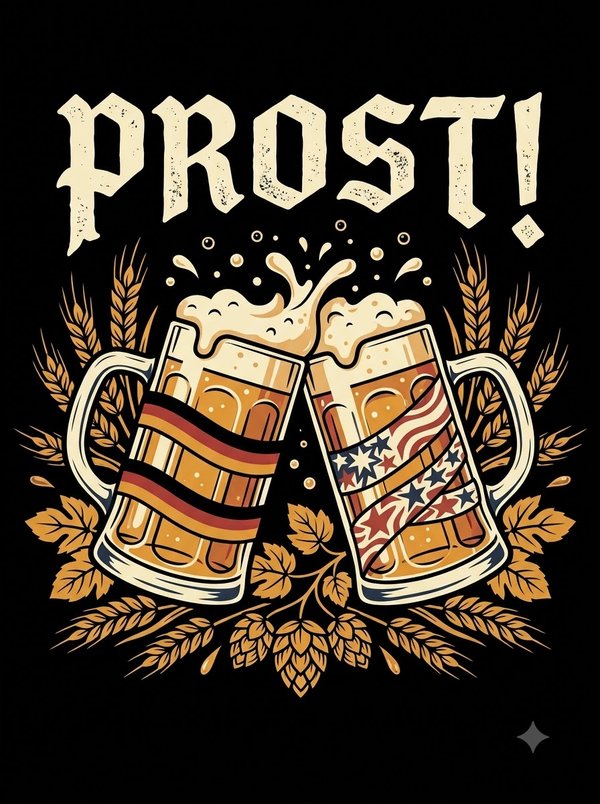
Most shirt designs arrive as small JPGs with soft, noisy edges. Optracy redraws yours as clean vector shapes in flat colors, and the background can turn transparent in one click.
Download SVG, PDF, EPS or a 300 dpi print PNG (4500 × 5400 by default).
Free to process and edit. Downloads need a free account: 5 images a day, every format included.
No image handy? Try one of ours:
You download


Move over the image to compare the edges at 6×.Tap the image to move the loupe and compare the edges at 6×.
The frog sample on automatic settings. Nothing was retouched.
JPG makes files small by throwing detail away. On a phone screen you don't notice. On a 15 × 18 inch print, you do.
JPEG compression leaves speckled, smudged pixels around letters and outlines. Enlarged 4.5 times to fill a print area, the noise gets printed too. Optracy redraws each edge as one clean line between flat colors.

A JPG can't hold a transparent background, so a dark design on a black square prints as a black square. Press Remove background in Optracy, and the print PNG is transparent there.
Compression shifts colors slightly, so one flat color becomes dozens of near ones. Optracy brings them back to one color group, and you can set its exact hex value.
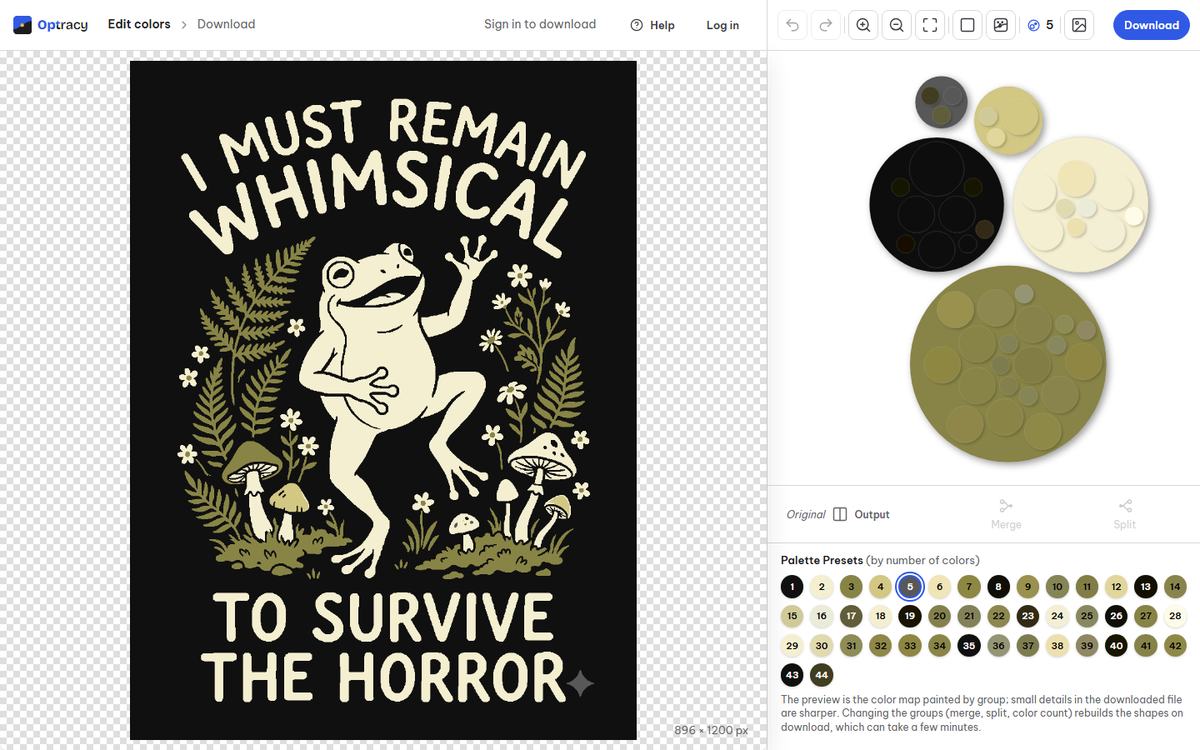
Automatic settings, nothing retouched.



Drop, pick or paste an image. A picture over 3 megapixels gets a crop step first.
Choose how many colors you want, then merge, split, recolor or hide any group.
Pick a format and a print size. Sign in with a free account and the file is yours.
Yes. Press Remove background in the editor (or the Delete key) and the background color group is hidden: the print PNG is transparent there, and SVG, PDF and EPS leave it out. If it hides the wrong color, undo and hide the right group with its eye button.
On flat-color art, yes: each color area comes out as one solid color with a clean edge, so the speckles around edges don't come through as noise. Check fine text and small dots in the editor before you download.
Not well. Optracy redraws images as flat colors, which is right for text, logos and illustrations, and wrong for photos and soft shading. For a photo, print a high-resolution PNG instead.
The print PNG at 4500 × 5400 px and 300 dpi, the size Amazon Merch and Printify ask for on a standard t-shirt. Keep the SVG too, for edits and other sizes; downloading both counts once.
Upload a design, fix the colors and download a print file at 4500 × 5400 px.