
Optracy

For print-on-demand and DTG sellers

PNG to SVG converter for shirt prints

Upload a PNG, even a small one. Optracy redraws it as clean vector shapes in flat colors and keeps the transparent parts transparent.

Download SVG, PDF, EPS or a 300 dpi print PNG (4500 × 5400 by default).

Drop your design here

or paste it with Ctrl+V

PNG, JPG, WebP, GIF or BMP · up to 30 MB

Drop to upload

Free to process and edit. Downloads need a free account: 5 images a day, every format included.

  • No watermark
  • Deleted after 24 hours
  • Not generative AI

No image handy? Try one of ours:

You download

  • SVG
  • PDF
  • EPS
  • PNG 300 dpi
The same frog redrawn in flat colors, still on a transparent background The frog design as a transparent PNG, shown on a checkerboard
Show
Before
PNG · transparent · 896 × 1200 px
After
4 colors · 4500 × 5400 px · 15 × 18 in · 300 dpi

The loupe shows one edge at 6×: the pixels of the upload on the left, the vector file on the right.

The frog sample on automatic settings. Nothing was retouched.

What goes wrong with a PNG on a shirt.

PNG keeps every pixel it has. That is the problem: it can't add any.

  1. An edge of the transparent PNG at 6×, made of square stepsThe same edge redrawn smooth at 6×

    Too few pixels for the print

    A 1000 × 1200 px PNG printed 15 inches wide gets about 67 pixels per inch, so every pixel turns into a visible step along curves and letters. Optracy redraws the shapes, so the edge stays smooth at 15 × 18 inches.

  2. Soft, half-transparent edges

    Glows, shadows and feathered edges are partly transparent. DTG printers put white ink under any pixel that isn't fully transparent, so a soft edge can print as a pale ring on a dark shirt. Optracy's print PNG has solid color areas; only the outer edge of the design is smoothed, one pixel wide at 300 dpi.

  3. A background that isn't really transparent

    A white box is invisible on a white screen and prints as a white rectangle on a dark shirt. In Optracy, Remove background hides that color, and the print PNG is transparent there.
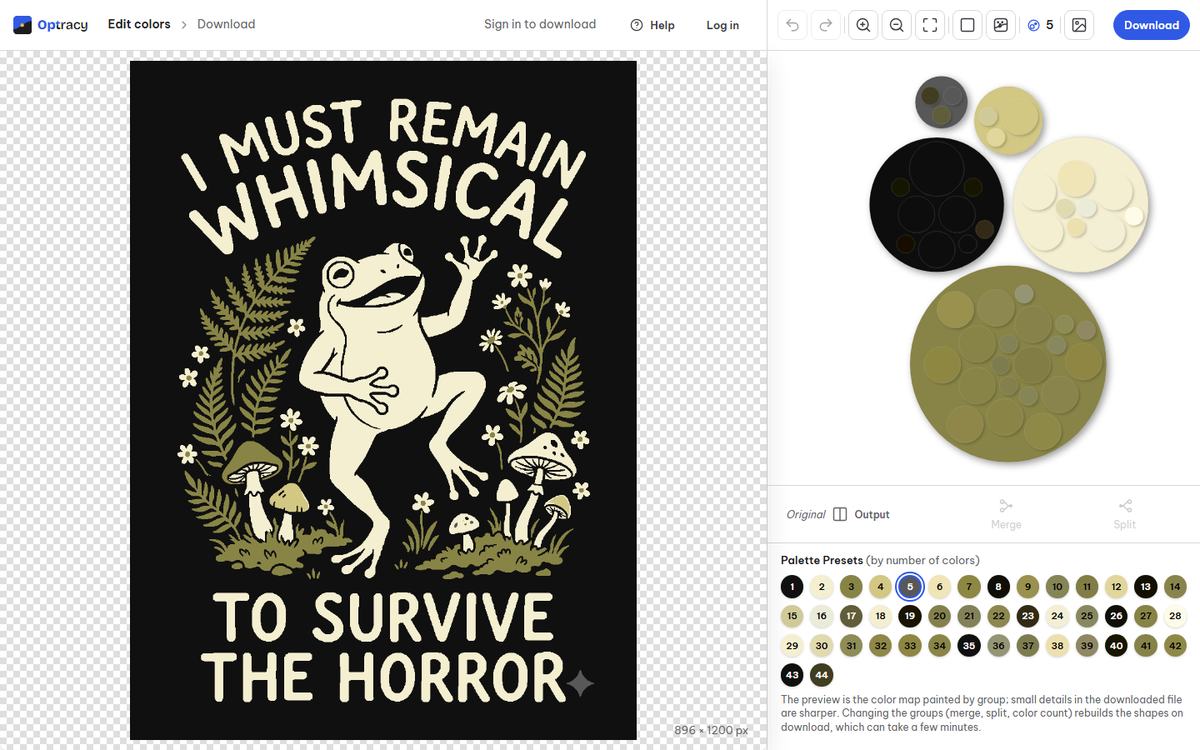
The Optracy editor with the frog design open and its color groups as bubbles

Your PNG, rebuilt for print.

  • Transparency keptTransparent parts of your PNG stay transparent in every file.
  • Clean edges at any sizeSVG, PDF and EPS scale to any size; the print PNG comes at 4500 × 5400 px and 300 dpi.
  • Flat colors you can editMerge, split, recolor or hide any color group before you download.

Real results on sample designs.

Automatic settings, nothing retouched.

A cream frog dancing among olive ferns and mushrooms on black, with the words "I must remain whimsical to survive the horror" The frog design redrawn in flat colors with clean edges

The frog

JPEG · 896 × 1200 px 5 colors · 4500 × 5400 px

Two beer mugs clinking under the word "Prost!", one wrapped in black, red and gold stripes, one in stars and stripes, with wheat and hops on black The beer mug design redrawn in flat colors, foam and lettering with clean edges

The beer mugs

JPEG · 896 × 1200 px 7 colors · 4500 × 5400 px

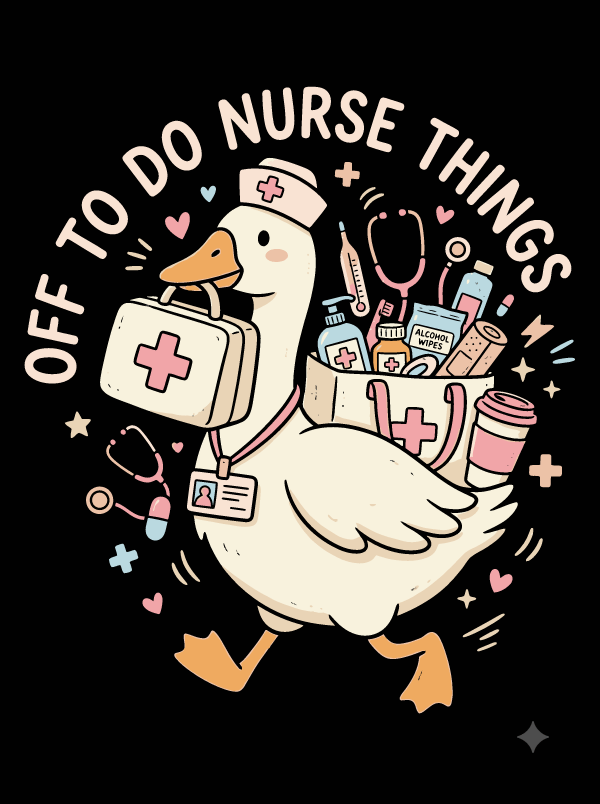
A goose in a nurse cap carrying a first aid kit and a bag of supplies, under the words "Off to do nurse things", in pastel pink, cream and blue on black The nurse goose design redrawn in flat pastel colors with clean outlines

The nurse goose

JPEG · 896 × 1200 px 9 colors · 4500 × 5400 px

Three steps from PNG to print file.

  1. Upload

    Drop, pick or paste an image. A picture over 3 megapixels gets a crop step first.

  2. Fix the colors

    Choose how many colors you want, then merge, split, recolor or hide any group.

  3. Download

    Pick a format and a print size. Sign in with a free account and the file is yours.

PNG questions, answered.

Still have a question?[email protected]We usually reply within one business day.
Will my transparent background stay transparent?

Yes. Transparent parts of your PNG stay transparent in the SVG, PDF, EPS and print PNG. If the background is a solid color instead, press Remove background in the editor.

Is the SVG a real vector file, or a PNG inside an SVG?

A real vector file. Every color area is a shape with one flat fill; no picture is embedded inside. It opens and edits in Illustrator, Inkscape or Figma.

My PNG is small. Will it work?

Yes, from 16 px a side up to 3 megapixels. The smaller the PNG, the less detail there is to keep, so hairlines and tiny text can fill in. Check them in the editor before you download.

What is the largest PNG I can upload?

30 MB and 3 megapixels, for example 1500 × 2000 px. A bigger picture opens a crop step in your browser, and only the part you keep is uploaded.

Sharp at shirt size.

Upload a design, fix the colors and download a print file at 4500 × 5400 px.