For print-on-demand and DTG sellers
Upload a small or blurry design. Optracy redraws it as clean vector shapes in flat colors, so it prints crisp at 15 × 18 inches.
An editable vector of your image. The background stays until you remove it.A print file for dark shirts. Black areas become the shirt, and edges come out clean.
Drop your design here
Drop to upload
Free to process and edit. Downloads need a free account: 5 images a day, every format included.
No image handy? Try one of ours:
You download


Move over the image to compare the edges at 6×.Tap the image to move the loupe and compare the edges at 6×.
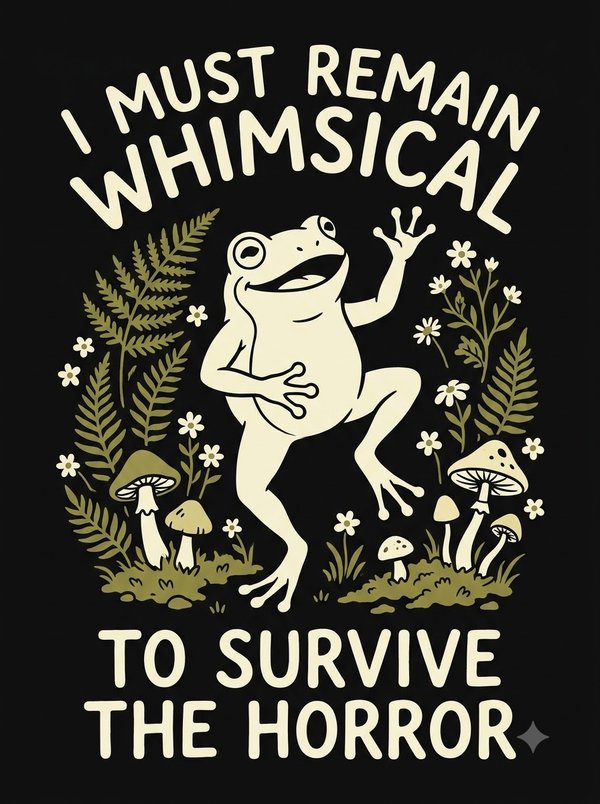
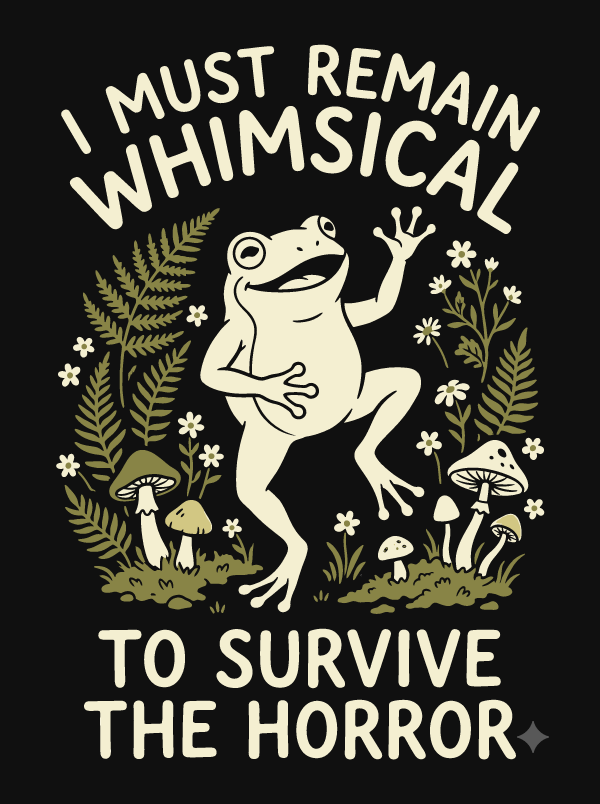
The frog sample on automatic settings. Nothing was retouched.
4
file types
SVG, PDF, EPS and print PNG
4500 × 5400
px
15 × 18 in at 300 dpi
Editable
colors
Merge, split, recolor or hide
24
hours
Then your image is deleted
Most designs arrive as small JPEGs. Stretch one to a 4500 × 5400 print file and every soft edge and speck of compression noise gets printed too. Optracy doesn't stretch pixels. It redraws the design.
The sample above is 896 × 1200 px, about 3 × 4 inches at 300 dpi. Filling a 15 × 18 inch print area stretches it 4.5 times.
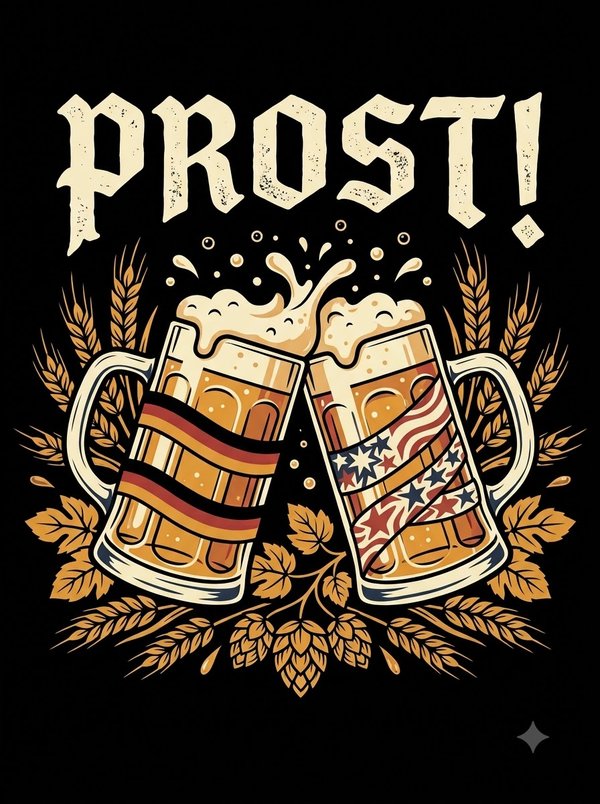
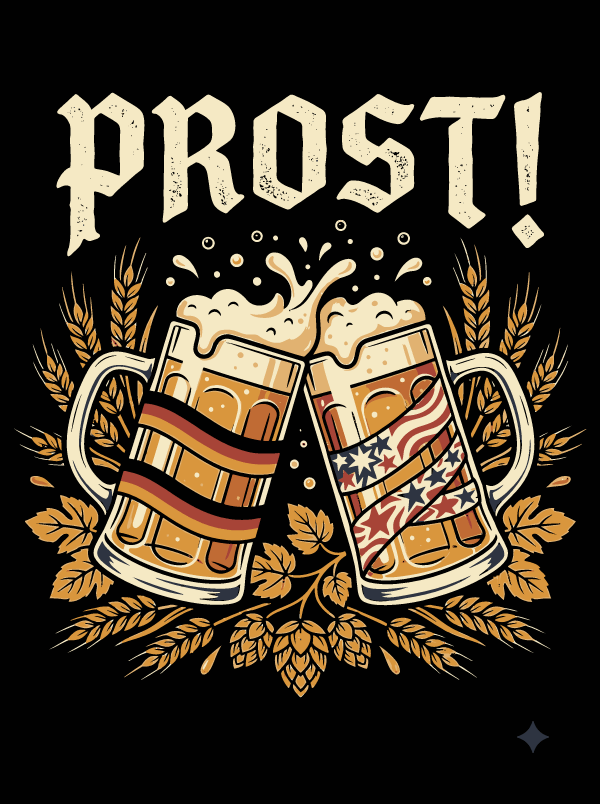
Each one ran on automatic settings. Nothing was retouched. Try any of them in the editor and see for yourself.
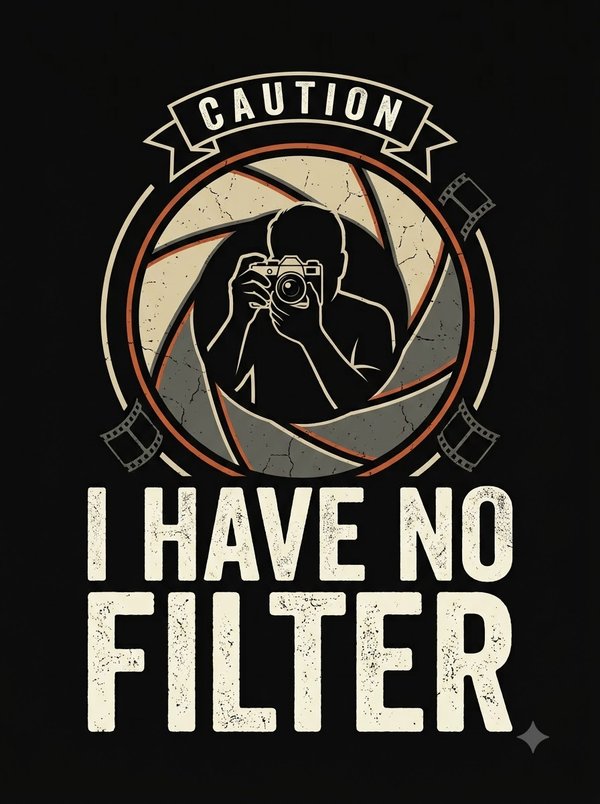
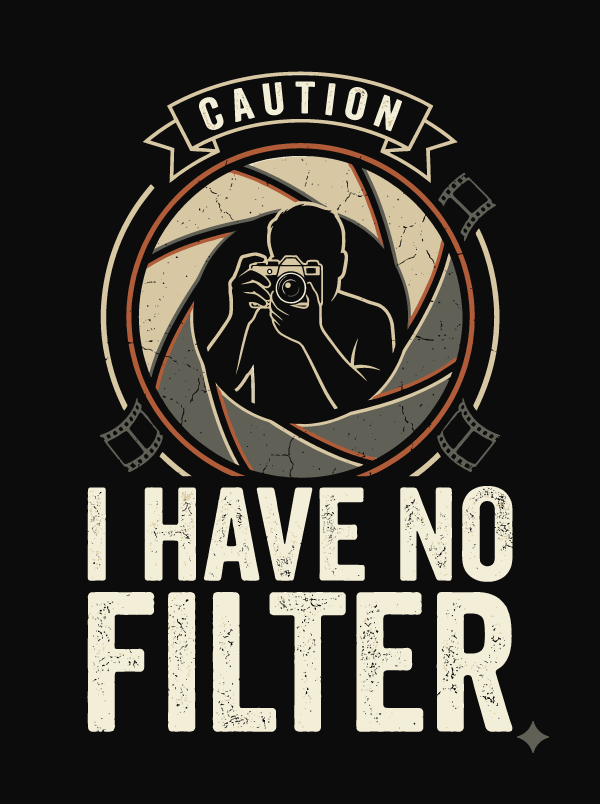
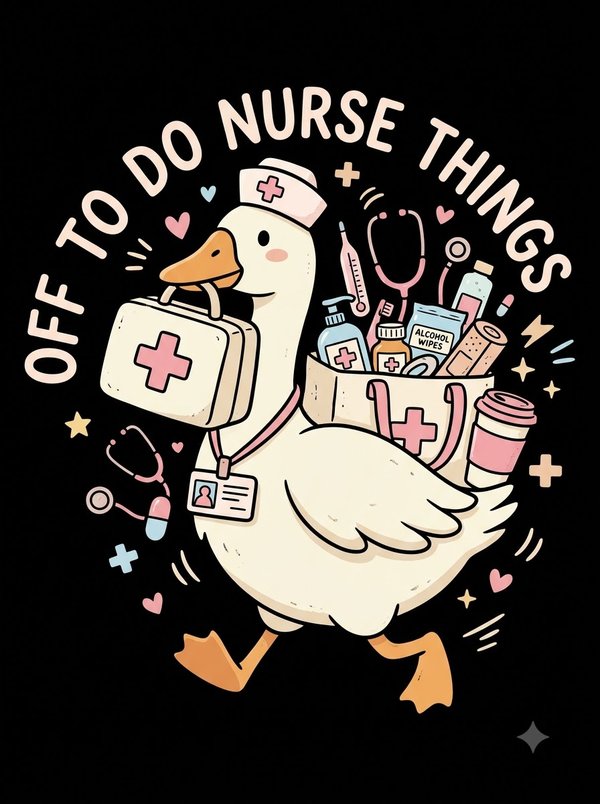
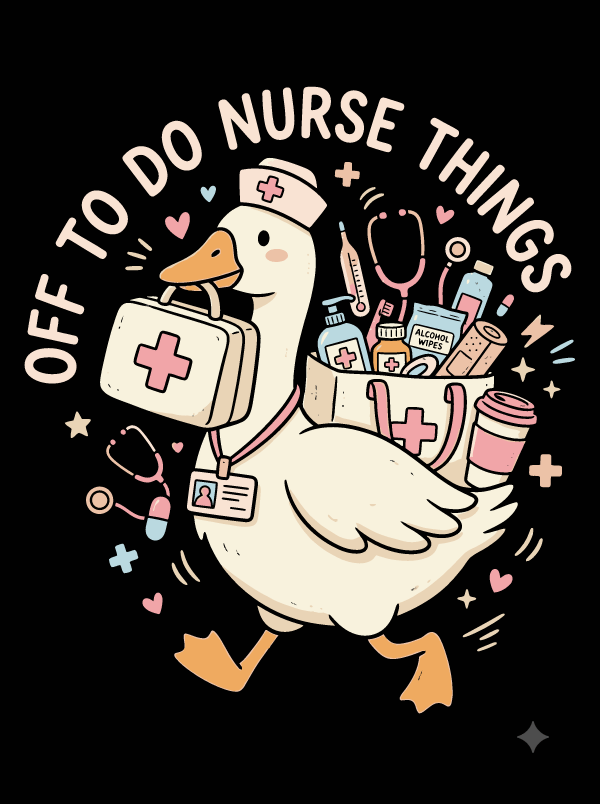
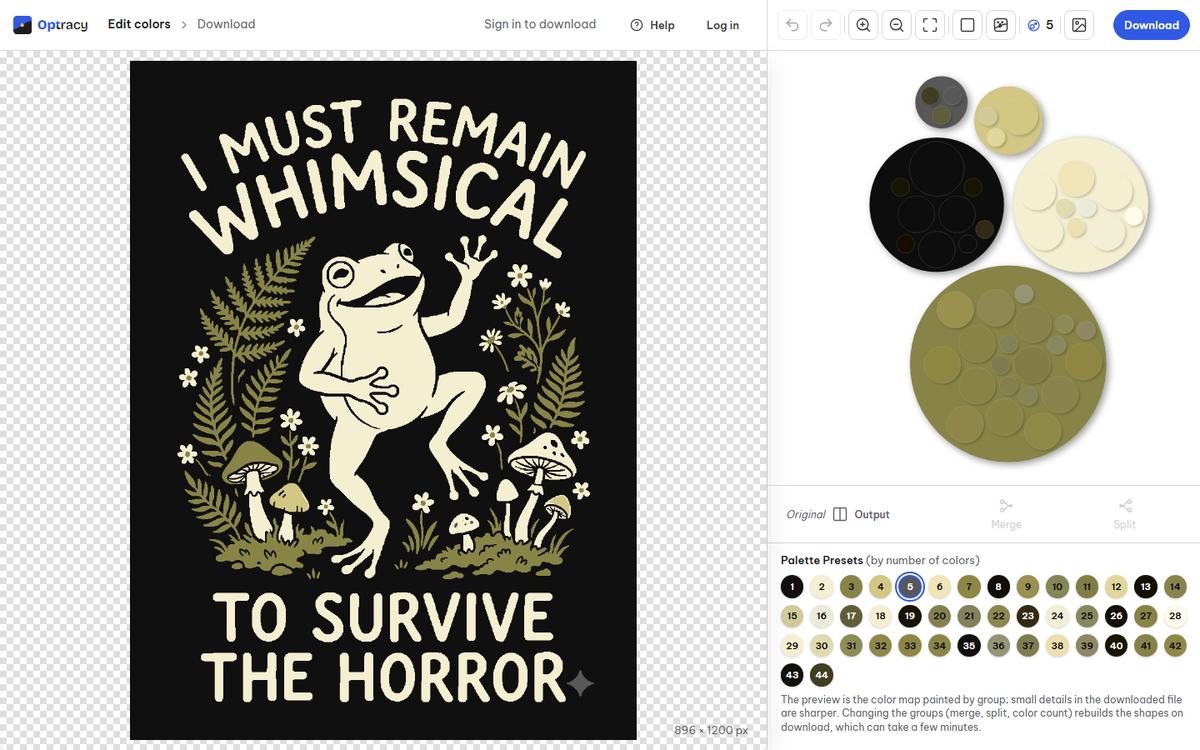
Every color in your design becomes a group you can change. Nothing is final until you press Download.
4500 × 5400, 4000 × 4000 or 3000 × 3600 px at 300 dpi. Your design keeps its proportions and the margin stays transparent.
Neighboring shapes meet exactly, so no thin line of shirt shows through.
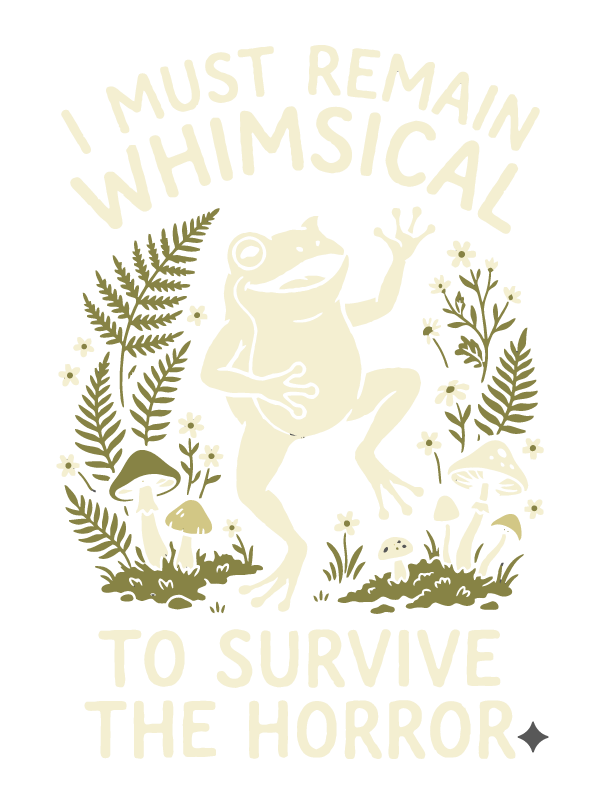
One button removes the background color, and the print PNG comes out transparent there.
Set width, height, units and dpi, and the page comes out at that physical size.
Upload the file as it is. A picture over 1.6 megapixels is scaled down on our server before it is processed, so there is nothing to crop.
Every file is checked before it reaches you: the size you chose, no trace of a hidden color, and no gaps in the print PNG.
Drop, pick or paste an image. A big picture is scaled down for you.
Choose how many colors you want, then merge, split, recolor or hide any group.
Pick a format and a print size. Sign in with a free account and the file is yours.
$0
$6.99one calendar month · no renewal
Contact us
Prices in US dollars. The monthly plan is switched on by email and does not renew by itself.
Compare plansProcessing and editing are free: up to 40 images a day with a free account, 20 a day without one. Downloading needs a free account, which gets 5 downloads a day. One image is one download, so its SVG, its PNG and every re-download of it count once. For more, the monthly plan is $6.99 for one calendar month of unlimited downloads.
Not to try it. You can upload, process and edit without one. To download the files, create a free account with an email and a password; there is no confirmation email to wait for. If you sign up from the download page, you come straight back to the same image with your edits.
Download SVG, PDF, EPS or a 300 dpi print PNG (4500 × 5400 by default). SVG, PDF and EPS are vector files that scale to any size. Color groups you hide are left out of every file.
Three print sizes at 300 dpi, one click each: 4500 × 5400 px (15 × 18 in), 4000 × 4000 px (13.3 × 13.3 in) and 3000 × 3600 px (10 × 12 in). Your design keeps its proportions and the margin stays transparent. You can also keep the original size, scale it, or set your own width, height, units and dpi.
PNG, JPG, WebP, GIF or BMP, up to 30 MB, for example 1500 × 2000 px. A picture over 1.6 megapixels is scaled down on our server before it is processed, so you don't need to crop or resize it first. The web tool takes one image at a time.
It stays transparent in every file. If your design sits on a solid color instead, press Remove background in the editor or hide that color group, and the print PNG comes out transparent there.
Yes. Pick how many colors you want, then merge, split, recolor or hide any color group. Undo any step, and compare with your original before you download.
Up to 24 hours, so you can come back to the same link; then it is deleted, sooner if the server runs short of space. Anyone who has the link can open it, signed in or not, so share it only with people you trust. We never list or publish uploads.
No. Optracy is not a generative AI model. It does not invent details, and the same image with the same settings always gives the same result.
Yes, if you have the rights to the design. The files carry no watermark and Optracy claims no rights in them. The platforms you sell on have their own content rules, so check those too.
Email [email protected] from the address of your Optracy account. We reply with payment details, usually within one business day, and switch on one calendar month of unlimited downloads once it is paid. It does not renew by itself; to continue, email us again.
Upload a design, fix the colors and download a print file at 4500 × 5400 px.